 Bonani
A little place for the big dates.
Keep the birthdays of people you care about in one notebook. Bonani reminds you who's next, with room for the little things that make a gift personal.


Free · iOS and Android · Offline
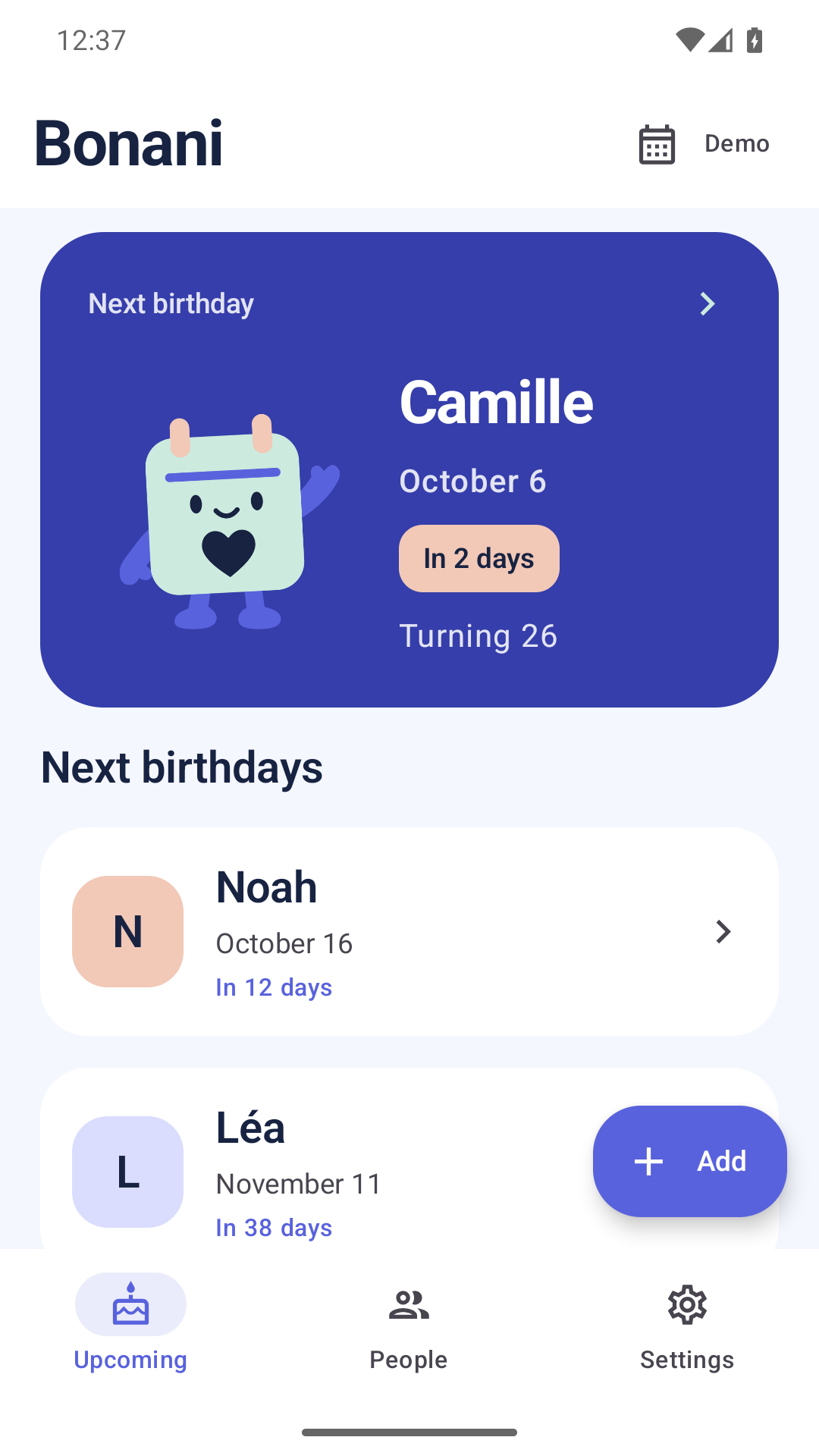
The dates, and the details that matter.
A name, a date, a gift idea. Find people by name, see upcoming birthdays or browse the calendar.
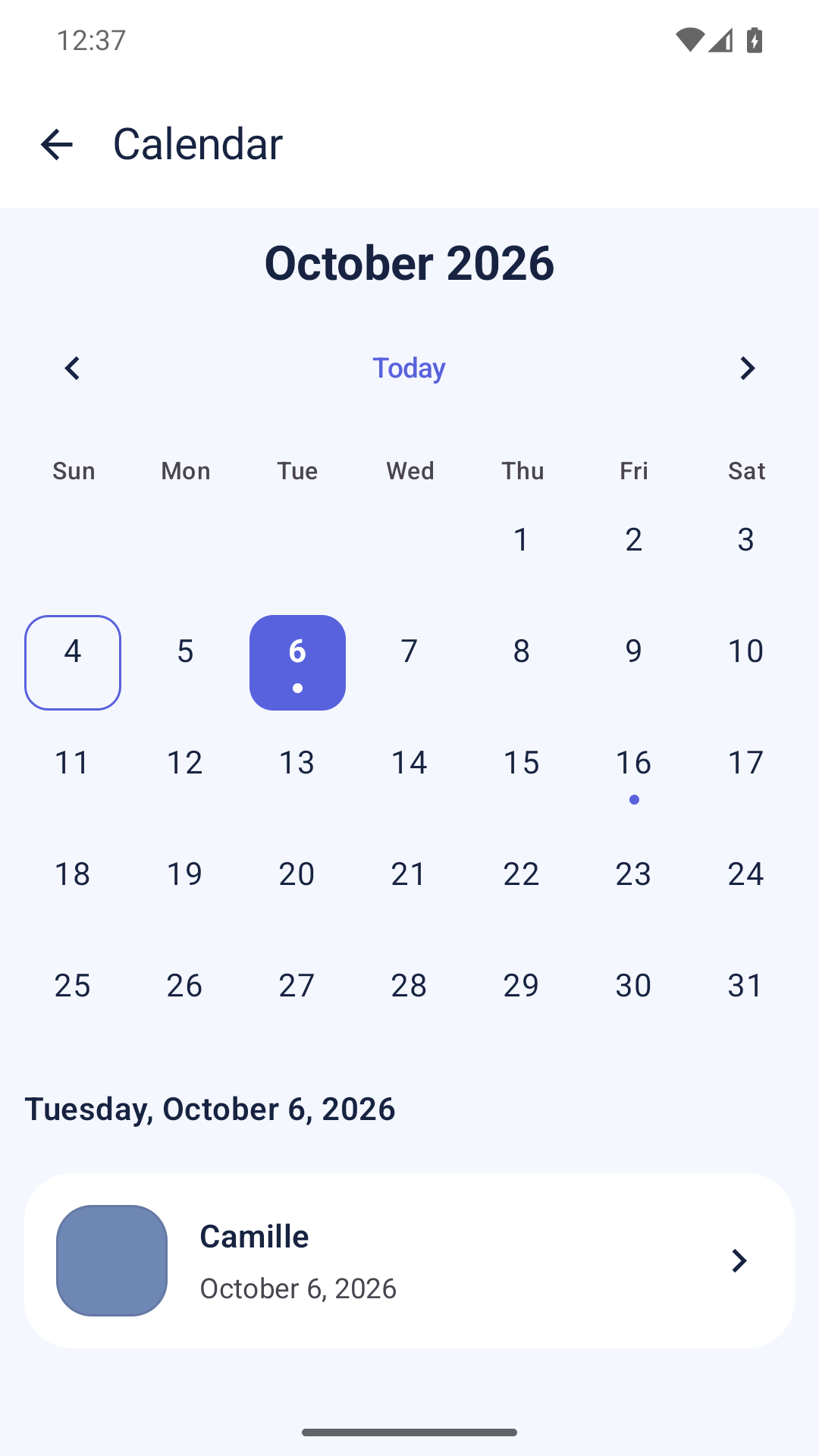
The month at a glance
Browse the calendar and see which birthdays are coming up.
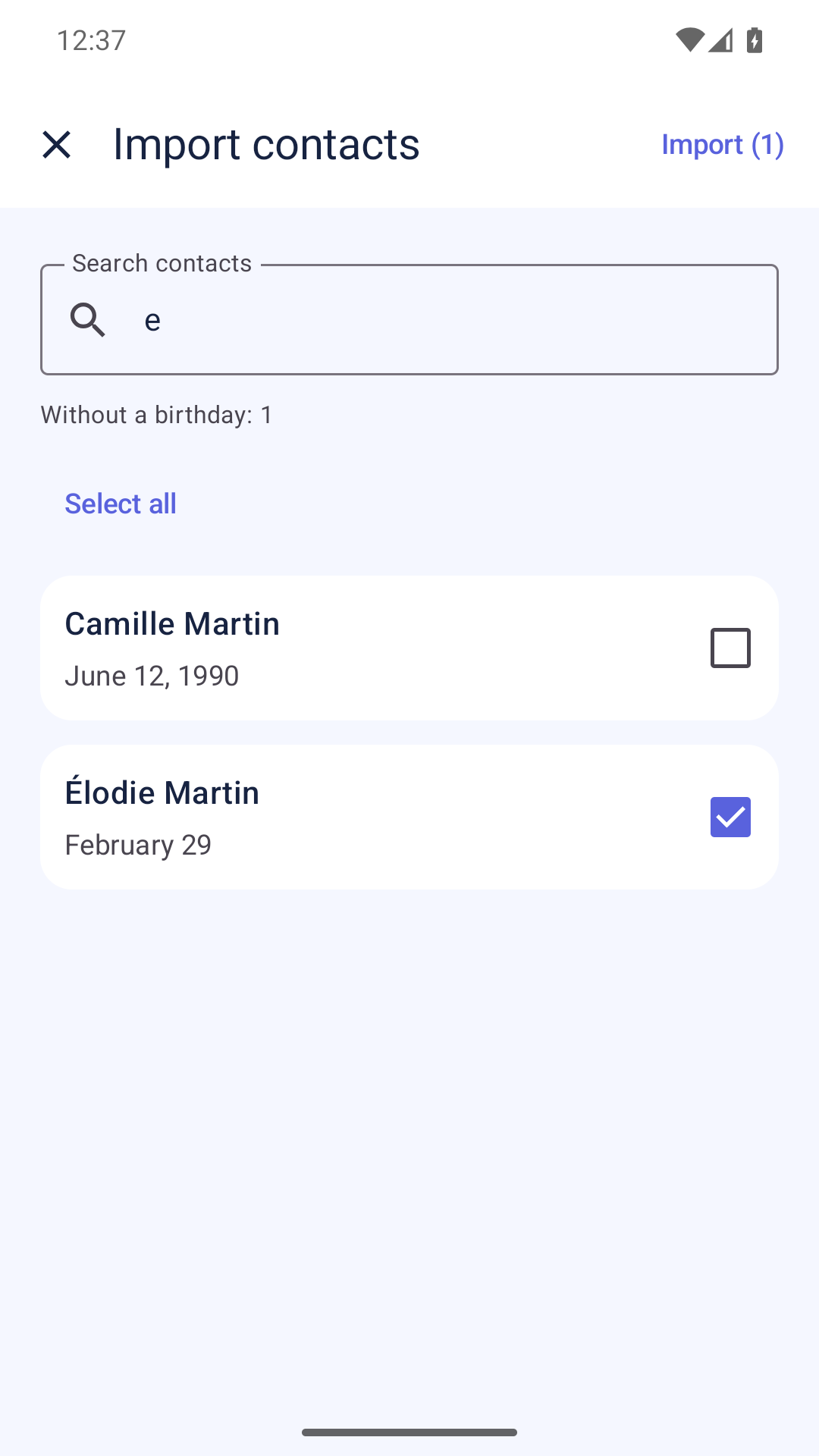
Your people, in one notebook
Add, edit or delete a person. You can also preview and choose birthdays from your contacts.
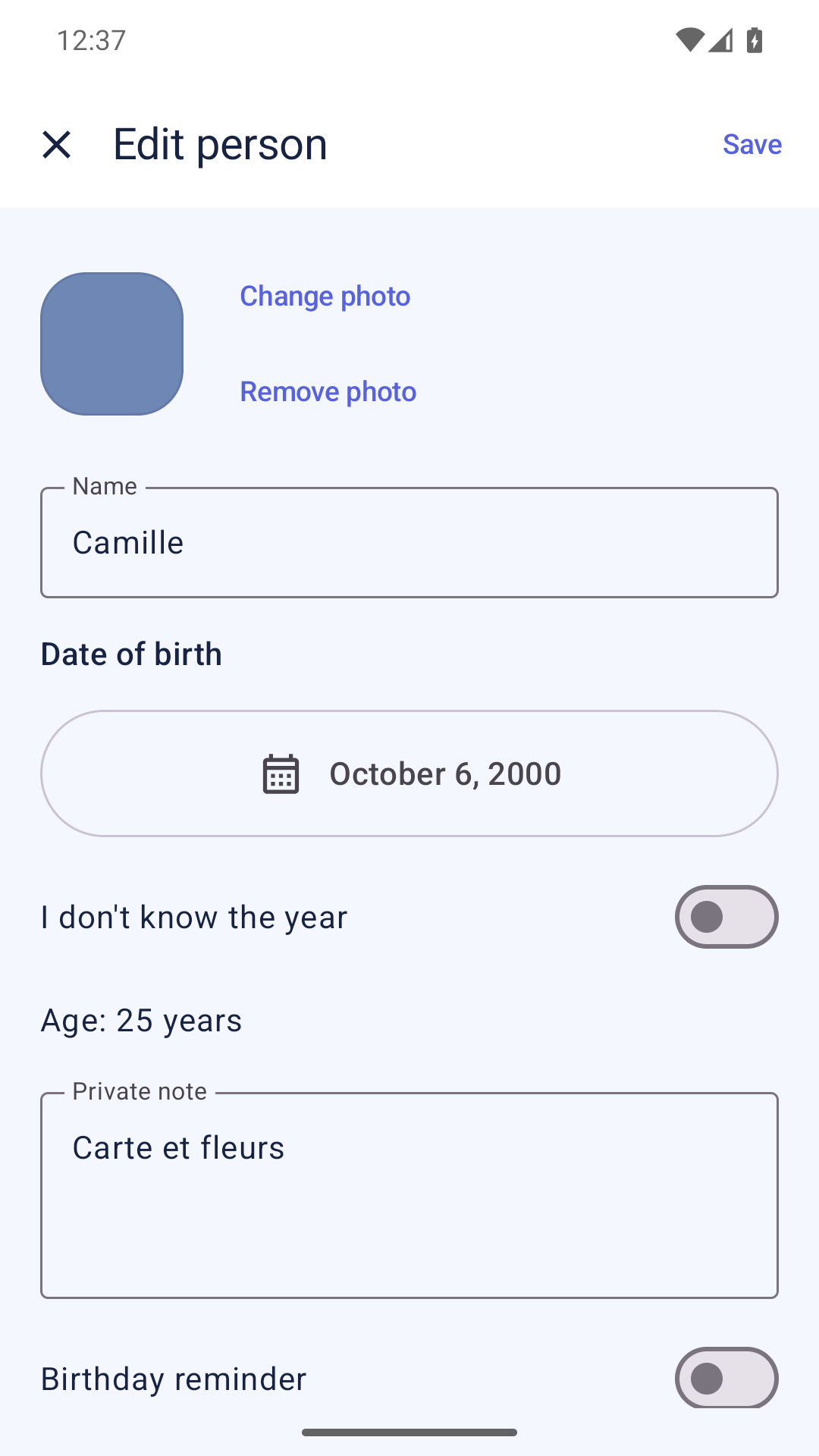
Room for a thoughtful gift
Add a photo and a private note. The birth year is optional.
Android app screenshots with fictional people.
Your notebook stays on your phone.
No account, no cloud, no ads. Bonani works offline and sends no data to an analytics service.
Privacy
A reminder at the right time
Choose the time for your local notifications. Check notification permission and upcoming scheduled reminders in the app.
The next birthday on your home screen
A small widget shows the next date. Your private notes stay in the app.
A backup you can take with you
Export your notebook as a JSON file, including photos. Review a preview before you confirm a restore on iOS or Android.
Before you start
Is Bonani free?
Yes. Bonani is free, with no ads or in-app purchases.
Do I have to import all my contacts?
No. You can enter birthdays yourself. Contact access is optional. Search, select and confirm which people to import on your device. Bonani preserves existing notes, photos and settings.
What happens to February 29 birthdays?
Bonani keeps February 29 in your notebook. In a non-leap year, the birthday falls on March 1. Dates follow the Gregorian calendar.
Do I need to know the birth year?
No. The day and month are enough. Bonani shows an age only when you enter a birth year.
Can I change phones?
Yes. Export a backup from Bonani, transfer the file and restore it on your other phone. There is no automatic sync. The backup includes your notebook, notes and photos.
Which languages can I use?
Bonani supports French, English and German on iOS and Android.
Bonani on your phone.
A free notebook for the birthdays of people you care about. No account or ads.